As one of the final assignements for my bachelors degree we had to make a Portfolio site, this is the blog detailing that journey.
So first things first:
As i am not that good at website development i needed something simple and easy to both use and setup.
Wich left me 2 major optionns WordPress or static site generation. I choose the later as my previous experience with WordPress was not that good. With static site generation there where 3 major options i knew about wich where, hugo, docusaurus or jekyll.
I choose jekyl as hugo was just not good enough and docusaurus was to rigid. Jekyll was also the recommended static site generator from Github, wich also made it very easy to setup using github actions. So i went to work, after 10 minutes of finding a nice template and setting up the action i wen to work on the next step.
Figuring out the template and developing the website
So before i did anything i looked trough the template to get my bearings after that i threw all the template parts out and started with making my portfolio, because the site is automaticly updated by github actions it is very easy to make minor changes and apply these. After having made the portfolio i copied the html and css used for the portfolio and applied it for my blog posts, ofcoarse with a couple of changes for the blogposts. because jekyll uses markdown to generate the website it is very easy to write a new blog post or change my portfolio later on ensuring it stays maintainable longterm and has free hosting by github.
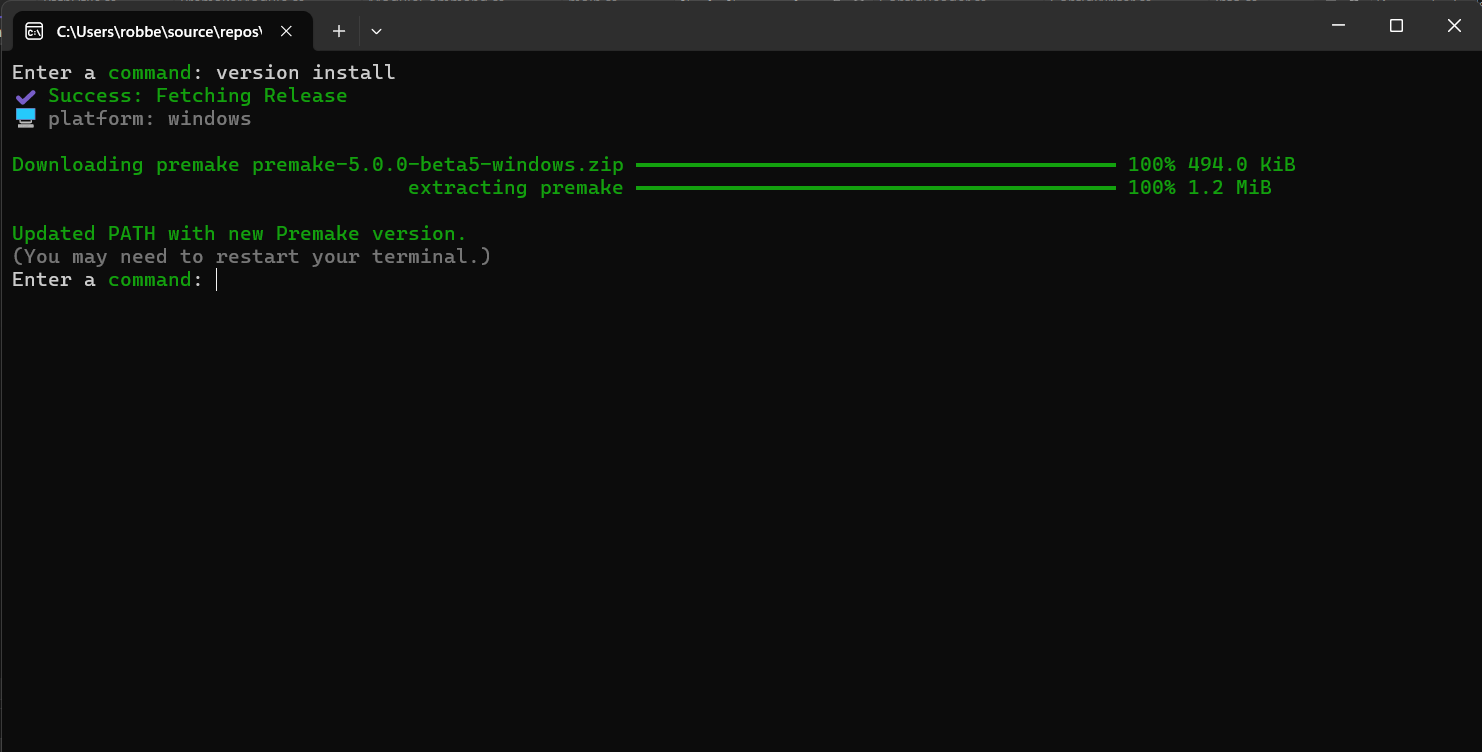
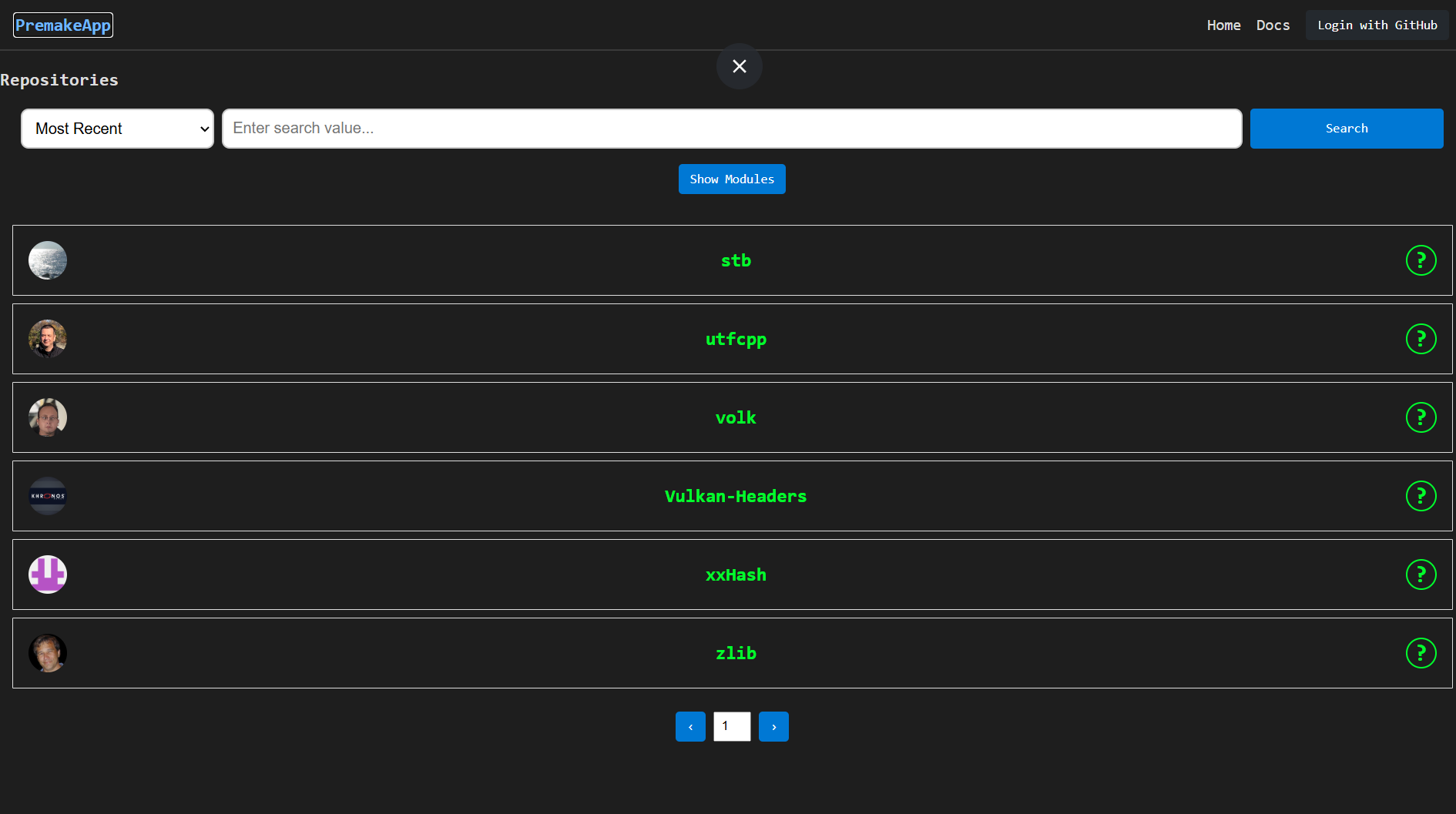
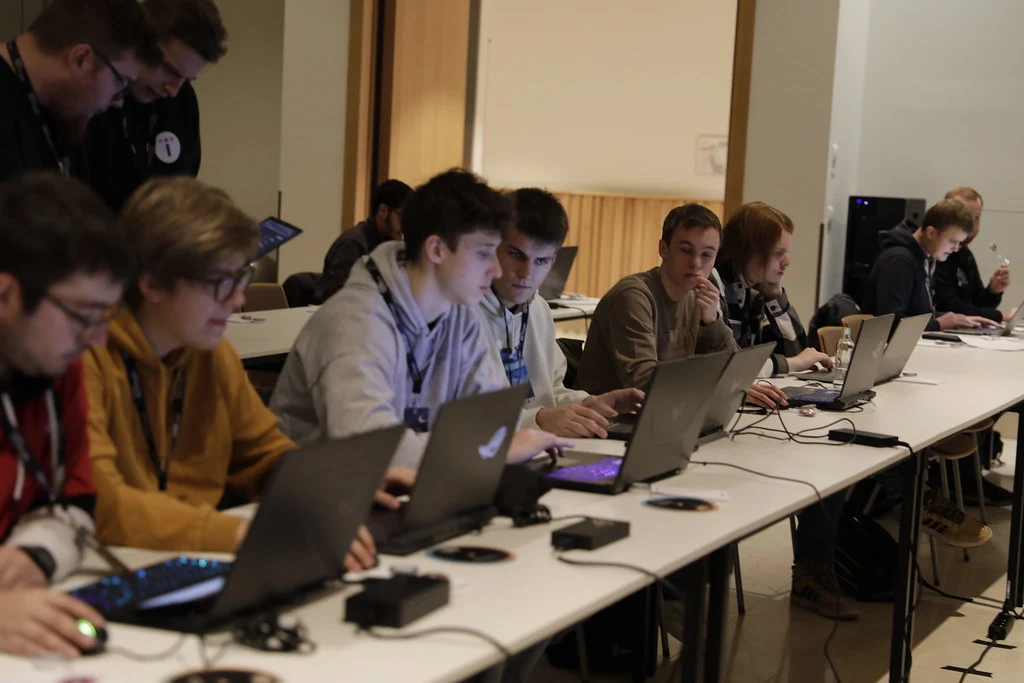
I also chose to use only visual pictures that give a small glimpse, wich also forces the reader to discover the portfolio fully.
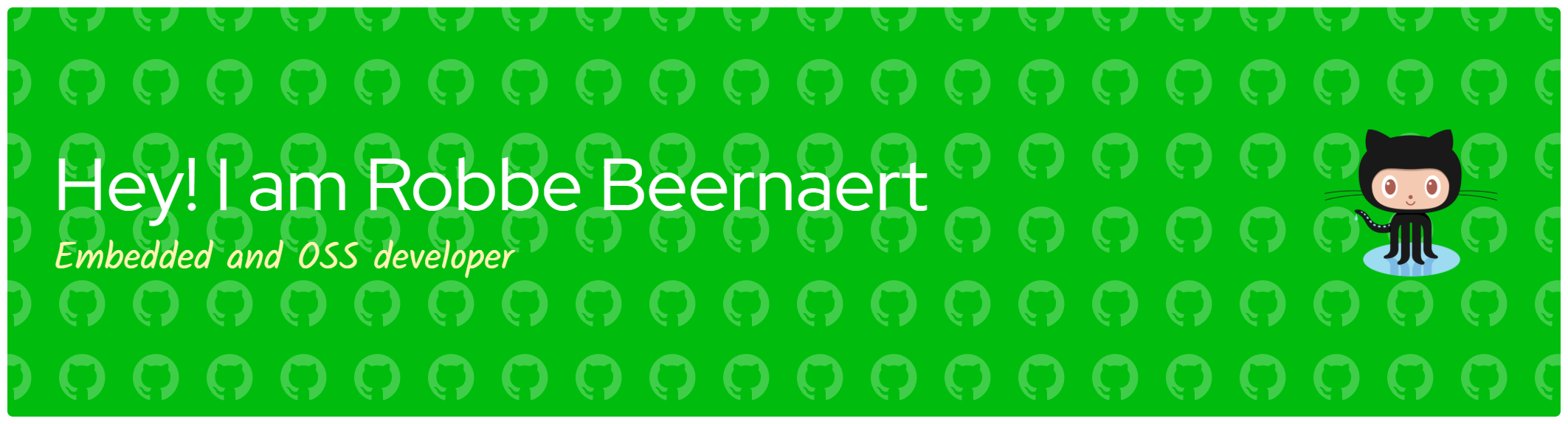
I also wanted there to be a brief introductory whit a button to download my CV, wich i was able to with some Prompt Engineering and AI usage.
Making a good portfolio site does not always have to be hard or expensive or need WordPress. No jekyll makes it very easy for you to host your own blog, portfolio, project documentation for free with github pages.